
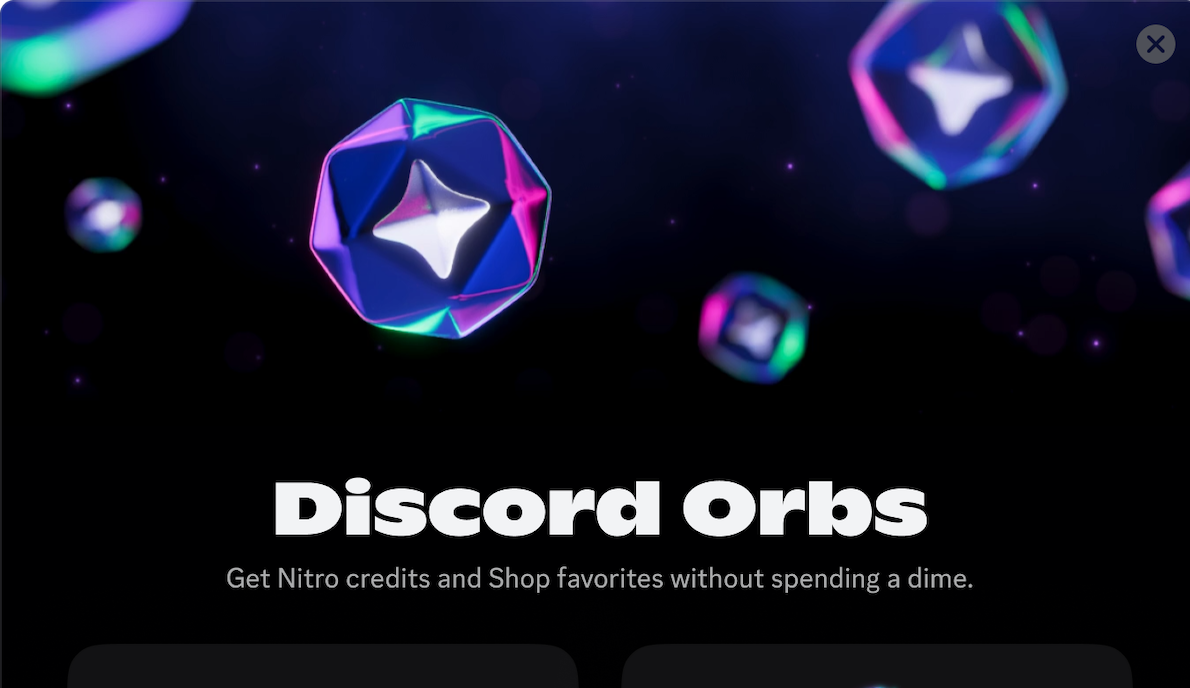
Discord Orbs Guide 2026: Official Quests & Rewards Explained
Everything you need to know about Discord Orbs, the new quest reward currency. Learn how to earn Orbs on desktop and mobile, and redeem them for free Nitro credits.
If you’ve logged into Discord recently, you might have noticed something new in your Quests tab: Discord Orbs. These blurple spheres have officially launched as a new way to earn rewards on the platform, including the most coveted prize of all—free Discord Nitro credits.
Here is the complete guide to understanding Discord Orbs, how to earn them on both desktop and mobile, and what you can buy with your new digital currency.
What Are Discord Orbs?
Discord Orbs are a new type of reward currency earned by completing Discord Quests.
Previously, Quests often gave you a specific item for a specific game (like a weapon skin or a decoration). Now, many Quests reward you with Orbs instead. You can collect these Orbs in a “stash” and spend them in the Orb Shop on rewards you actually want.
What Can You Buy with Orbs?
The Orb Shop allows you to redeem your hard-earned spheres for:
- 3-Day Nitro Credits (Yes, real Nitro!)
- Exclusive Orb-Themed Profile Badges
- Avatar Decorations & Profile Effects
- Nameplates
Note: Orbs cannot be used for everything. You currently cannot use them to buy gifts for others, recurring Nitro subscriptions, or Server Boosts.
How to Earn Discord Orbs
Earning Orbs is straightforward: you simply need to complete Quests. However, the process differs slightly depending on your device.
🖥️ On Desktop
- Find the Quests Tab: Click the Discord logo in the top-left corner to go to your Home screen.
- Open the Scroll: Click the “Quests” tab in the sidebar.
- Accept a Quest: Look for available Quests that offer Orbs as a reward. Click “Accept Quest”.
- Complete & Claim: Finish the task (usually streaming a game or performing an activity) and hit “Claim Reward”.
Boom. The Orbs are yours.
📱 On Mobile
- Go to You: Tap the “You” tab (your profile picture) at the bottom-right of the screen.
- Check Your Balance: You’ll see a new “Orbs Balance” button.
- Find Quests: Tap “Earn Orbs” to see the mobile-specific Quest log.
- Start Questing: Like on desktop, accept quests and complete them to earn.
Pro Tip: Some Quests are platform-specific. A quest might only be available on desktop or only on mobile. Check both to maximize your earnings!
Spending Your Orbs: The Shop
Once you’ve collected a pouch full of Orbs, it’s time to spend them.
- Desktop: Go to the Shop tab and look for the new “Orbs Exclusives” section.
- Mobile: Tap your Orb Balance in the “You” tab and select “Redeem Orbs in Shop”.
Items bought with Orbs are added to your account permanently and work across all platforms.
Why This Matters for Nitro Users
For years, users have asked for more ways to earn Nitro directly within the app. Discord Orbs are the answer. By consistently completing quests, you can now stack up 3-Day Nitro credits without spending a dime.
While it might take some grinding to keep Nitro active solely through Orbs, it’s a fantastic supplement to other methods—like using NitroLoot to earn full Nitro subscriptions by playing games and taking surveys.
Want to earn Nitro even faster? Check out our guide on Legit Ways to Get Free Nitro in 2026 for more tips.
Share this article
Related Articles
How to Get 1 Month Free Discord Nitro with Tracker.gg Promo
Tracker.gg has partnered with Discord to give away 1-month of free Discord Nitro! Learn how to claim your free Nitro through the Tracker XP system in 2026.
Top 4 Best Ways to Get Free Discord Nitro in 2025
Looking for real ways to get free Discord Nitro? Here are the top 4 proven methods including NitroLoot, official giveaways, Epic Games promotions, and Streamlabs deals — updated for 2025.
7 Very Real Ways to Get Free Discord Nitro in 2026
A no-nonsense guide to getting free Discord Nitro by using legit methods like the Partner Program, HypeSquad, giveaways, and rewards sites. No generators, no scams.