
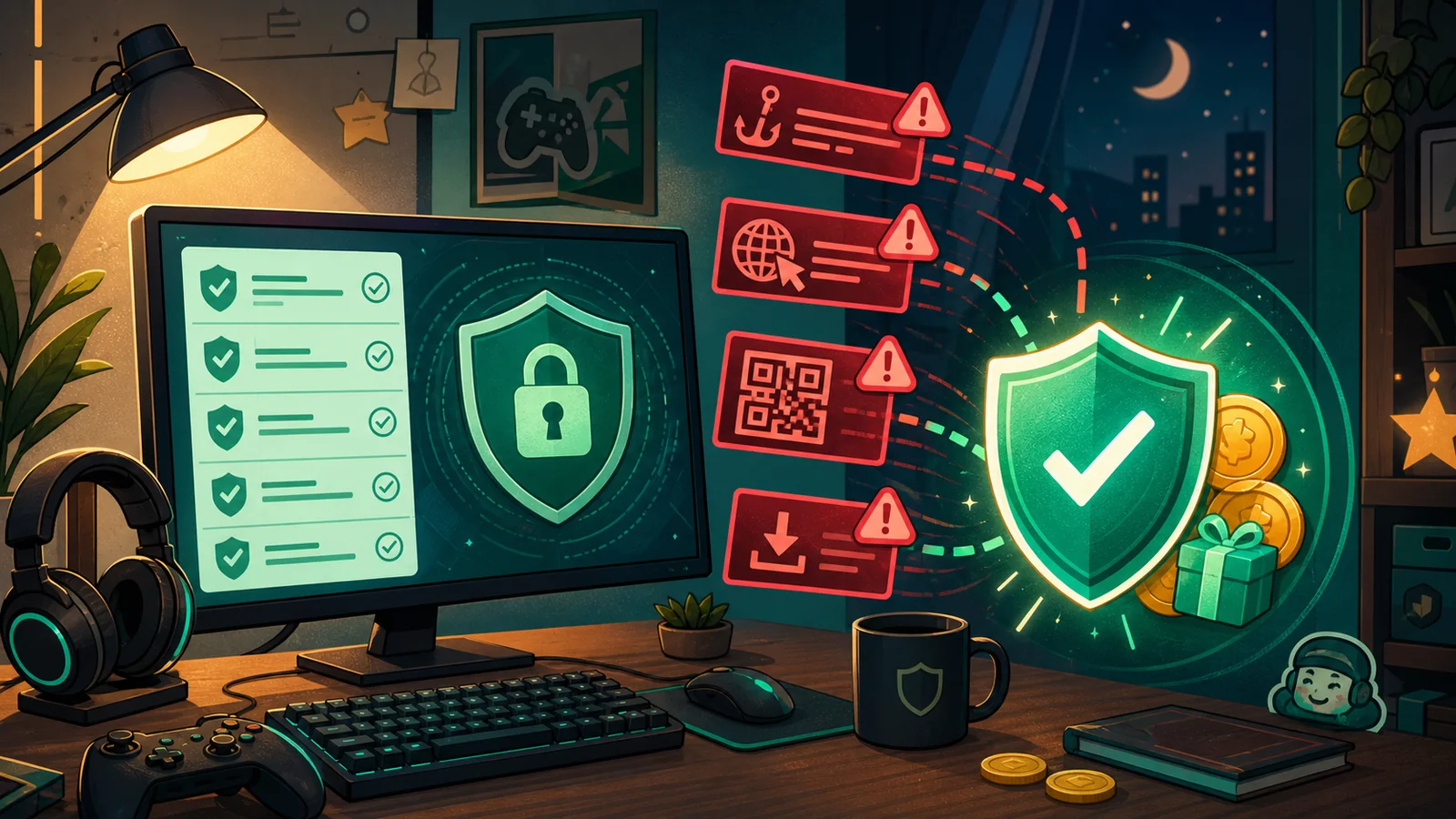
Account Safety Guide for Gamers and Rewards Users
A practical account safety checklist for gamers and rewards users, covering fake gifts, QR scams, malware, support impersonation, and 2FA.

Gaming and rewards communities are fun because everything moves fast: friend invites, gift links, server events, playtests, survey offers, promo codes, and new rewards.
That speed is also why scams work. A fake gift looks urgent. A fake support message sounds serious. A playtest file feels harmless because it came from someone who seemed friendly. By the time you slow down, the account may already be gone.
This guide is built for Discord users, Steam users, rewards-site users, server owners, and anyone who spends time in gaming communities. The goal is not paranoia. The goal is a simple habit: pause before you trust a link, file, code, QR scan, or support request.
Quick Safety Checklist
Before you click, scan, download, or log in, ask:
- Did I expect this message?
- Do I trust the sender outside this one DM?
- Is the URL exactly right?
- Is the page asking for a password, token, QR scan, or payment details?
- Is the offer promising a reward with no clear source of value?
- Is the file coming from an official store or a random upload?
- Would official support contact me this way?
If the answer feels messy, stop. A real reward or support issue can wait a minute while you verify it.
1. Fake Gift and Reward Links
Fake gift links are common because they play on excitement. You see a message like:
“Take this Nitro, I do not need it.”
or:
“You won a reward. Claim before it expires.”
The link may look close to a real service, but one letter is changed. It may send you to a fake login page, a fake authorization screen, or a “verification” flow that asks for information the real platform would not need.
How to protect yourself
- Type important URLs yourself instead of trusting random links.
- Check spelling carefully, especially lookalike letters.
- Do not log in through a page opened from a random DM.
- Do not enter your password to claim a gift.
- Treat “instant reward” pressure as a warning sign.
For Nitro specifically, real gifts should use Discord’s official gift flows. If a page looks like Discord but the URL is not right, close it.
2. QR Code Login Scams
QR login scams are dangerous because they bypass the normal “type your password” warning in your brain.
The scammer may say you need to scan a QR code to verify, join a server, claim a reward, or prove you are not a bot. In reality, the QR code may approve a login session on the scammer’s device.
The simple rule
Only scan a login QR code when you opened the login page on your own computer or device.
Do not scan QR codes sent by strangers, giveaway servers, support impersonators, or random reward pages.
3. Support Impersonation
One of the oldest scams starts with a scary message:
“I accidentally reported your account. Contact this admin before you get banned.”
The fake admin then asks for screenshots, codes, email changes, purchase history, or a “temporary verification” step. The target panics and follows instructions.
Steam support happens through Steam’s official support site, not through a random person claiming to be an admin in a chat app. Discord support also will not ask for your password, token, or QR login.
How to handle it
- Do not argue with the scammer.
- Do not contact the “admin” they recommend.
- Go directly to the platform’s official support site.
- Change passwords if you shared anything sensitive.
- Warn mutual friends if the message came from a hacked account.
4. “Try My Game” Malware
This scam targets gamers directly. Someone asks you to test a game, mod, tool, overlay, cheat detector, or launcher. Sometimes they offer payment or a reward. Sometimes they build trust over several days first.
The file may be a .zip, .exe, installer, browser extension, or “launcher.” It may even open a real-looking game while stealing tokens, cookies, passwords, or wallet data in the background.
Safer habits
- Download games from trusted stores like Steam, Epic Games, official websites, or reputable itch.io pages.
- Be careful with files from DMs, even from friends.
- Scan unknown files before opening them.
- Do not disable antivirus because a stranger says it is a false positive.
- Use a separate test device or sandbox if you genuinely review unknown software.
If a playtest requires urgency, secrecy, or disabling security tools, skip it.
5. Fake Verification and OAuth Pages
Many communities use legitimate authorization flows. That makes fake OAuth pages easier to disguise.
A fake page may look like an official authorization window, but the browser URL tells the truth. It may ask you to log in, authorize an app, or verify for a server.
What to check
- Is the URL hosted by the real service?
- Does the app request permissions that make sense?
- Is the server or website reputable?
- Does the page ask for more information than it should?
If an app asks for broad permissions but gives no clear reason, deny it. You can always re-authorize later after checking.
6. Rewards-Site Safety
Rewards platforms can be legitimate, but they depend on third-party offers, advertisers, and survey providers. That means users need different safety habits.
On NitroLoot, you may see surveys, app offers, game tasks, offerwalls, streaks, and reward options. Those are normal reward-site mechanics. What is not normal is a random page asking for your Discord password, account token, QR login, seed phrase, or unrelated payment details to “verify” a reward.
Better reward habits
- Complete offers from inside the platform, not from random DMs.
- Read requirements before starting.
- Avoid VPNs if the provider disallows them.
- Keep screenshots for longer tasks.
- Skip trials or purchases you do not fully understand.
- Contact platform support instead of trusting third-party “helpers.”
If you want a deeper explanation of tracking, screenouts, and credit delays, read how rewards sites work.
What to Do If You Clicked Something Bad
Move quickly, but do not panic.
- Change your password from the official website or app.
- Enable or reset two-factor authentication.
- Check active sessions and log out of unknown devices.
- Remove suspicious authorized apps.
- Scan your device for malware.
- Change passwords for any accounts that reused the same password.
- Contact official support if you lost access.
- Warn friends if your account sent scam messages.
Changing your password can invalidate some active sessions and tokens, but if malware is still on your device, the attacker may regain access. Clean the device too.
Final Takeaway
Most gaming and rewards scams rely on urgency. They want you to act before you think.
Slow down when a message involves gifts, rewards, account bans, QR codes, downloads, or support claims. Verify through official sources. Keep 2FA enabled. Never share passwords, tokens, QR logins, or sensitive payment details through random pages.
The safest users are not the ones who never click anything. They are the ones who know when to pause.
Sources Checked
Share this article
Related Articles
Best Get Paid To Sites in 2026
Compare the best get paid to sites in 2026 for surveys, games, app offers, gift cards, PayPal rewards, Discord Nitro, and gamer-friendly payouts.
Best NitroLoot Offers for Beginners
Learn which NitroLoot offers beginners should try first, how to compare surveys, games, apps, and trials, and how to avoid wasted time.