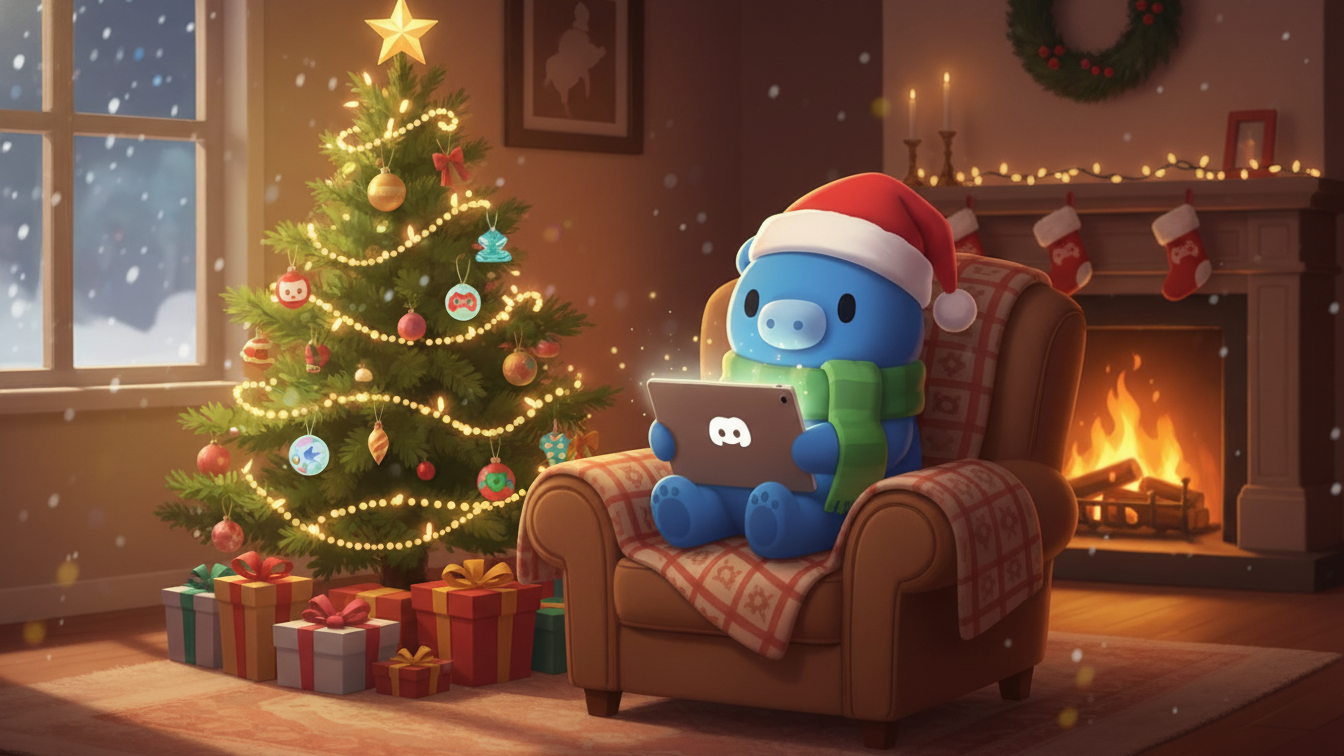
How to Make Your Discord Profile Festive for Christmas
Christmas on Discord is more than swapping emojis. It is a chance to make your profile and servers feel warm, cozy, and welcoming for your friends and community.
If you already care about how your profile looks, you have probably seen things like decorations, animated banners, and special effects. Our guide on Discord decorations and Nitro explains what those features are and how they work. This post focuses on simple Christmas ideas you can use right away.
🎄 Christmas Discord avatars that feel cozy
Your avatar is the first impression people get on Discord. Christmas is a good excuse to give it a seasonal twist without losing your identity.
Ideas that work well:
- Your current avatar with a small Santa hat or beanie
- A soft snowy background behind your existing character or logo
- Simple Christmas icons like trees, stars, or candles
- Hand drawn style avatars with scarves, mittens, or sweaters
If you like visual upgrades, you can pair your avatar with decorations from the Discord Shop or with effects that come from Nitro or cosmetics. The goal is not to cover the image in detail, but to add one or two elements that feel festive.
Quick tip: keep one thing consistent, like your face or logo, and only change the surroundings. That way friends still recognize you while your profile feels fresh for the holidays.
🖼️ Matching Christmas banners and backgrounds
Profile banners give you more space to set the mood. They work especially well when they share a color palette with your avatar.
Cozy banner ideas:
- Soft snowfall over a dark night sky
- A fireplace, cabin, or bedroom scene with warm lighting
- String lights on a dark background that match Discord dark mode
- Snowy forests or quiet winter streets
Try to keep the banner simple. Banners with a small number of colors tend to look better than loud collages. If your avatar is very bright, a calmer banner behind it usually looks cleaner.
🎨 Winter themes for your Discord experience
You do not need a full custom theme to make Discord feel like winter. Small color choices go a long way.
Color ideas that fit Christmas without feeling cheesy:
- Deep green or muted red accents
- Warm browns and golds that feel like candle light
- Soft white and pale blue for a calm winter vibe
These changes work well next to other profile upgrades. If you want more tools to customize your profile long term, our guide on what Discord Nitro includes and how to get it free explains the main perks and how NitroLoot fits into that.
🎁 Decorating your Discord server for Christmas
Server owners and moderators have even more ways to add Christmas energy without turning everything into chaos.
Ideas that are easy to roll back in January:
- Temporarily rename channels, like
#generalinto#winter-chator#fireside-talks - Add a small set of Christmas emojis and stickers instead of dozens at once
- Swap the server icon for a cozy version with a hat, snow, or soft glow
- Set a banner that matches your community style instead of a random stock image
If your server already does events or simple rewards, you can layer Christmas on top without changing your entire structure. For example, you might run a holiday giveaway and let people earn extra entries by being active, rather than spamming links.
🧑🎄 Simple holiday events your community will actually join
Decorations are nice, but shared moments are what people remember from a season.
Ideas that tend to work in most servers:
- Daily check in prompts like what made you smile today
- Chill voice calls with lofi music or fireplace ambience
- A single channel for sharing Christmas setups, pets, or decorations
- A thread where people drop their favorite winter games or playlists
If your community is interested in rewards, you can gently point them to NitroLoot as a way to work toward long term perks like Nitro, gift cards, or cosmetics. Keep the focus on hanging out first and rewards second so the server still feels relaxed.
If you plan to do giveaways or invite links, it is worth reminding people how to stay safe. Our guide on staying safe on Discord and avoiding scams covers red flags to watch for during free Nitro or giveaway seasons.
❄️ Keep it cozy instead of overloaded
When you get excited about Christmas, it is tempting to change everything at once. Most people enjoy a calmer approach.
Guidelines that help profiles and servers feel comfortable:
- Pick one clear theme like warm cabin, snowy night, or city lights
- Limit the number of animations that run at the same time
- Keep chat text readable against any custom backgrounds
- Remember that some users are on mobile or low end devices
If you want more control over how Discord looks and feels all year, our overview of Nitro perks and how to get them through NitroLoot can help you decide what to unlock first.
Christmas on Discord connected to real rewards
A festive profile or server makes Discord feel better to use. It also lines up nicely with what you can earn on NitroLoot over time.
Here is one simple way to think about it:
- Decorations and banners help your profile feel more personal
- Nitro and cosmetics give you more options to express that style
- NitroLoot gives you a path to those upgrades by turning your time and effort into rewards
If you are new to NitroLoot, start with our overview post, NitroLoot: your gateway to Discord Nitro. It explains how the platform works and what kind of rewards are available.
From there, you can move on to deeper guides like our Discord Nitro complete earning guide when you are ready to plan out long term rewards.
Related Posts

Best Discord Servers to Join in 2026 (By Category)
Discover the best Discord servers to join in 2026 across gaming, creative, study, dev, and reward communities. Find your perfect Discord home.
Read more →
Best Discord Bots Every Discord Server Needs in 2026
The essential Discord bots for moderation, leveling, entertainment, and automation. Build a better server with these must-have bots in 2026.
Read more →
Best Discord Listing Websites to Advertise Your Server in 2025
Looking for the best Discord listing websites to grow your community? Discover the top platforms to advertise your Discord server, including Astrocord, Disboard, and more.
Read more →