
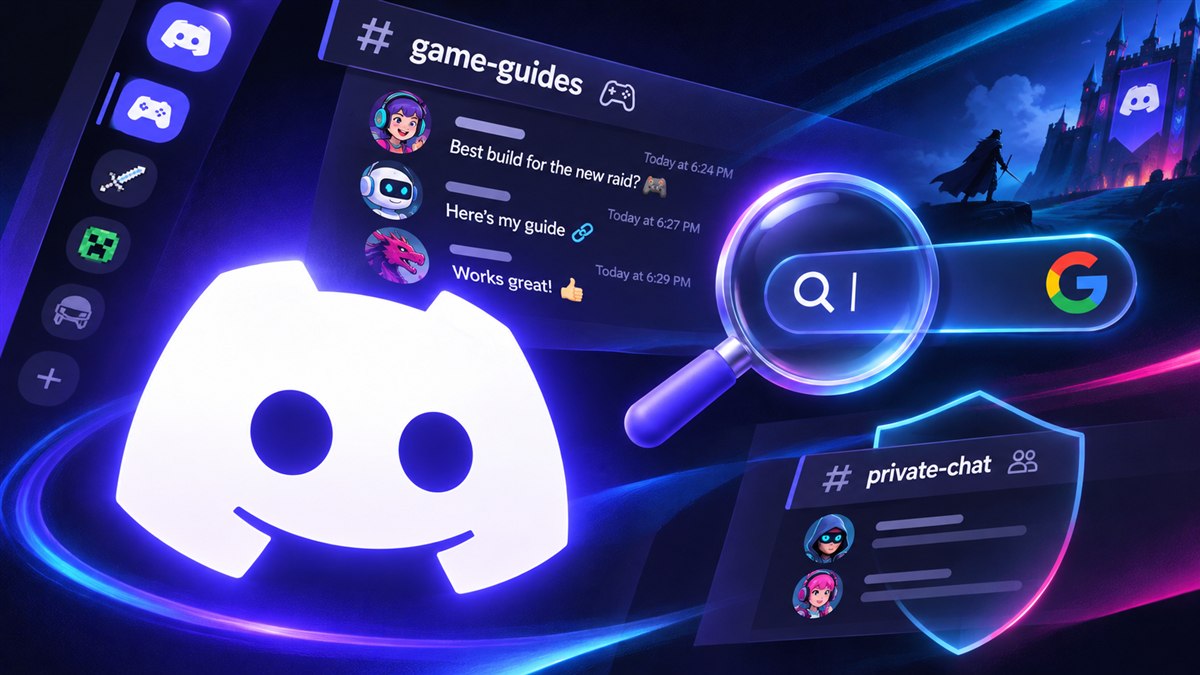
Can Google See Discord Messages? Privacy Settings
Can Discord messages appear on Google or Bing? Check the November and December rollout, member privacy controls, and an admin checklist for public channels.

Some Discord messages are scheduled to become eligible for web search, but this does not open your DMs or private friend server to Google. Discord’s October 27 announcement concerns public channels in Discoverable servers, with separate controls for admins and members.
The important distinction is between a public page describing a server, a summary of its discussions, and an individual message appearing in search. They have different rollout dates and different settings. Switching one off does not necessarily switch off the others.
This guide explains what to check as a member or admin, includes an original channel-review worksheet, and gives you a ready-to-edit announcement for your community. Information checked November 6, 2026: the dates below describe Discord’s announced rollout, not a claim that we have observed it live on every account.
What Changes in November and December?
Discord’s Server Web Pages guide describes three related surfaces:
| Surface | What it does | Announced timing |
|---|---|---|
| Server Web Page | A public introduction to a Discoverable server | Default pages for Discoverable servers that lack one from November 16, 2026 |
| Channel Summaries | Automated overviews of selected public-channel discussions | Discussions from November 16, 2026 onward |
| Channel Messages | Eligible messages displayed in their own words | Gradual rollout from mid-December 2026 |
A server page is part of being Discoverable. Turning off its conversation features does not, by itself, remove that landing page. Admins can choose different channel selections for summaries and messages.
Check your server type before assuming the change applies. Discord’s server-type explanation distinguishes Friend, Community, and Discoverable servers. Enabling Community features alone does not make a server Discoverable. Admins can inspect Server Settings > Access for its Discoverable setting.
Discord says private servers, DMs, and group DMs are excluded from this change. Its announcement also says messages sent before the mid-December Channel Messages rollout will not be included. Do not read the November 16 date as a promise that every existing conversation becomes searchable that day.
For a practical example, a small invite-only game-night server and a Discoverable game’s official community are different cases. Start with the server’s actual configuration, rather than deciding from the fact that you can share an invite link.
What Members Can Control
On desktop or in a browser, open User Settings > Data & Privacy. Find Show my message content from Discoverable channels on web pages and choose whether to allow it. Discord says this is an account-wide control that also applies to messages sent on mobile.
The setting at the time you send a message matters. Turning it off prevents future messages from being eligible through this feature; it does not retrospectively withdraw every message sent while it was on. Discord’s member guide explains the distinction and describes the channel-header labels for participating channels.
Defaults vary. The announcement lists the EU, UK, Canada, Brazil, Australia, and South Korea as default-off regions; the member guide includes the wider EEA. Discord says accounts in its teen age group are excluded and cannot enable Channel Messages. Check your setting instead of guessing from someone else’s screenshot.
The personal message control does not stop admins’ Channel Summaries. Discord also says usernames and avatars will not accompany the displayed messages. That does not make the words themselves anonymous: a signature, real name, support screenshot transcribed into text, or description of a personal situation can still identify someone. Treat that as a reason to review what you post, not as proof that every message is exposed.
If you want a community’s policy clarified, ask a specific question: “Which channels have summaries enabled, and which have individual messages enabled?” That is more useful than asking whether the whole server is simply “public.” Our account-safety guide covers separate risks such as fake support messages and login requests.
What Server Admins Should Review Now
Use desktop or browser and open Server Settings > Community > Web Presence. Discord’s Web Presence documentation says only the owner or an Administrator can change these controls; bots cannot do it.
Review Channel Summaries and Channel Messages independently, save your choices, and record who reviewed them. Public channels are included by default, while private, role-restricted channels are excluded. The two feature toggles are on by default at the server level. If you do not see the interface, consult the live guide rather than inventing a setting from a screenshot; Discord describes a gradual controls rollout.
Then make a channel-by-channel editorial decision. The following is a suggested review framework, not a list of Discord’s automatic classifications:
| Channel purpose | Useful question before including it | A sensible review approach |
|---|---|---|
| Public FAQ or game guide | Would each answer help a stranger without the rest of the conversation? | Review for accuracy and unnecessary personal details |
| Official announcements | Is the information intended for anyone to read? | Verify dates, links, and the current version |
| General chat | Could an out-of-context extract misrepresent the conversation? | Ask members what they expect before opting content in |
| Member support | Do people post receipts, account identifiers, or personal circumstances? | Keep sensitive exchanges in genuinely private support routes |
| Staff coordination | Is the access control actually restricted? | Verify permissions rather than relying on the channel’s name |
Our permissions audit helps with that last distinction. A channel called private-support is not private merely because of its name.
Choose a second reviewer for channels with mixed purposes. Ask them to read a recent conversation without its surrounding context and explain what an outsider might misunderstand. If the answer is “quite a lot,” rewrite the public FAQ in a separate channel instead of treating every support exchange as publishable documentation.
Also plan for maintenance. An answer that was correct for last season’s game patch can become misleading later. Assign someone to review public-facing resources when prices, rewards, game mechanics, or community procedures change. Discord notes that automated summaries may not always be accurate, which makes a human review worthwhile.
Download a Channel Audit and Member Announcement
Use the blank channel-review CSV to record a decision for each channel. It has separate columns for summary and message settings, public visibility, sensitive-content concerns, reviewer, and review date. It contains no sample claims about your server’s actual configuration.
Do not put message bodies, account credentials, or private reports into the worksheet. It is a configuration log, not an archive of members’ conversations. A useful review note is “Move receipt questions to private support,” not a pasted receipt.
After checking the controls, adapt this announcement and replace every bracketed field:
**Update: how our server handles Discord's web features**

We have reviewed our server's Web Presence settings.

Channels selected for summaries: [CHANNELS OR NONE]
Channels selected for individual messages: [CHANNELS OR NONE]
Where to read our current policy: [RULES OR POLICY LINK]

Before posting in a participating channel, review its visibility notice and your account's Data & Privacy preferences. Keep personal support details in [PRIVATE SUPPORT ROUTE].

Questions about our channel choices: [MODERATOR CONTACT]
Reviewed on: [DATE]
Next planned review: [DATE OR EVENT]
Download the announcement as plain text if you want to edit it outside Discord. Only say you have reviewed the settings after someone has actually done so. If your server is not Discoverable, explain that directly rather than sending an announcement that implies these features are active.
Link the final policy from your server rules and onboarding flow. New members need the same information as people who happened to be online for the original announcement. Keep the worksheet private to the moderation team unless you have intentionally prepared a member-facing version.
If a Message Is Already on the Web
Separate stopping new publication from removing an existing item. Discord’s member guide says deleting an individual message removes it from Discord and its web pages. It also warns that search engines can retain their own indexed or cached copies. Turning off the personal switch is not a bulk history-removal tool.
For a specific problem, record the relevant Discord message and public-page URLs so you can verify the outcome. Remove or report the source content through the appropriate Discord route, then check whether the public page still shows it. Do not ask members to repost sensitive text publicly as evidence of removal.
If content has gone from the source but an outdated result remains in Google, its outdated-content refresh process may be relevant. That process concerns Google’s result; it does not delete a live Discord message. Other search engines have their own processes, and this guide does not promise an instant or universal removal time.
For admins who want to leave Discoverable status entirely, Discord’s server-type guide describes Server Settings > Access > Discoverable. Switching that off returns the server to Community status and takes down its server web page. Consider how people will join afterward and communicate the change. This is a broader choice than excluding a single channel, and it is not a guarantee that previously copied material disappears everywhere.
Does Web Visibility Guarantee Google or Bing Rankings?
No. A publicly accessible page, an eligible message, an indexed page, and a high-ranking result are different things. Google’s Search Essentials explicitly says that meeting its requirements does not guarantee crawling, indexing, or serving a page.
For community owners, the useful goal is to make selected public answers clear, accurate, and appropriate for readers who have never joined. Start with a genuinely helpful resource: a troubleshooting answer, a maintained beginner guide, or a well-labelled event announcement. Include the context a stranger needs to understand it.
Do not publish members’ private support details in pursuit of discovery. A better pattern is to resolve a support issue privately, then write a separate general answer that removes the identifying details. Let the member choose whether to share their own account of it.
Before the rollout, do three things: check your server type, record the two sets of channel choices, and tell members where the policy lives. As a member, review your own message setting and the notice in the channel before posting. Those checks give you a clearer answer than treating all of Discord as either wholly private or wholly searchable.
Share this article
Related Articles
Best Discord Moderation Bots 2026: Keep Your Server Safe
Compare the best Discord moderation bots in 2026. Sapphire vs Dyno vs Carl-bot - which auto-mod features protect your community? Free setup guides included.
Discord Image Sizes: PFP, Banner, Emoji & Icons
Find the correct Discord image sizes for profile pictures, banners, server icons, emojis, stickers, role icons, and invite backgrounds without blurry crops.